ADS-B Feeders Wanted!
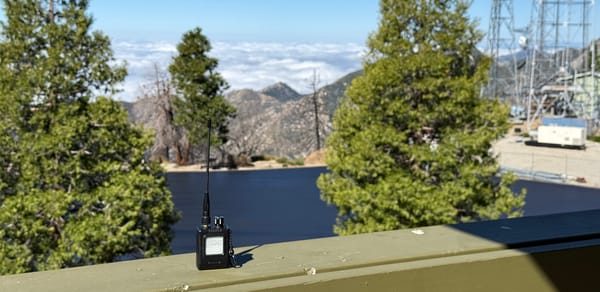
Run an ADS-B receiver near the Angeles National Forest, or have a roof with a view of the mountains? Please help us track aircraft.

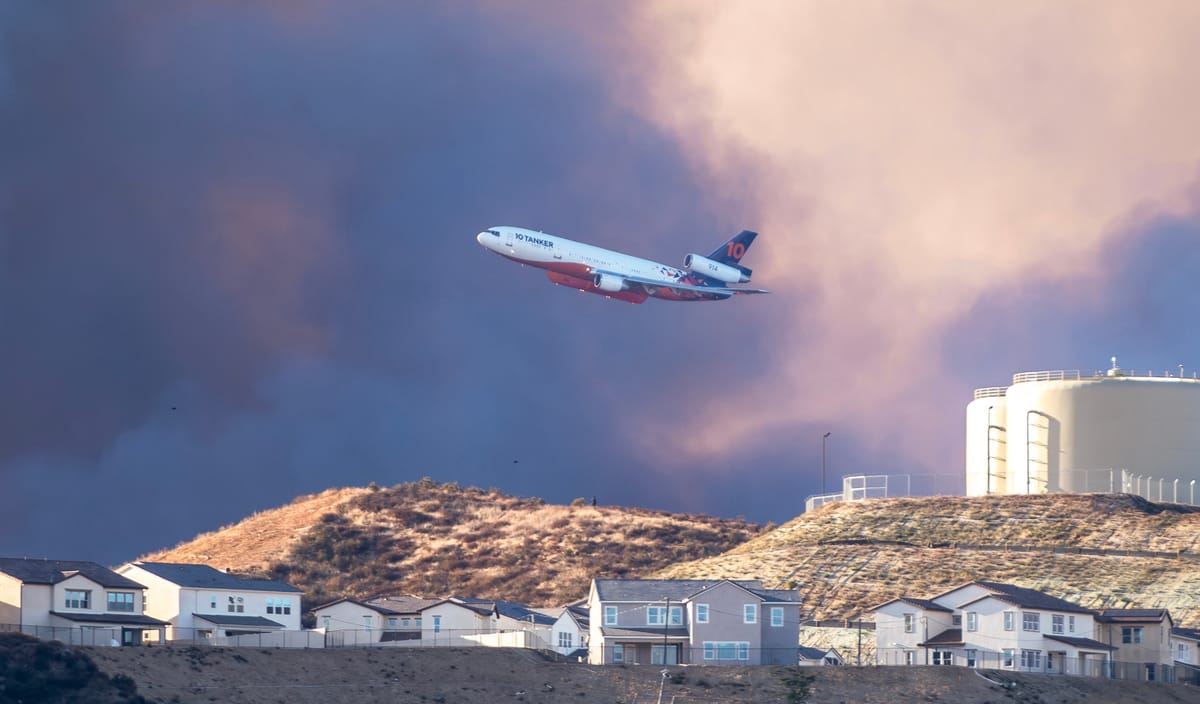
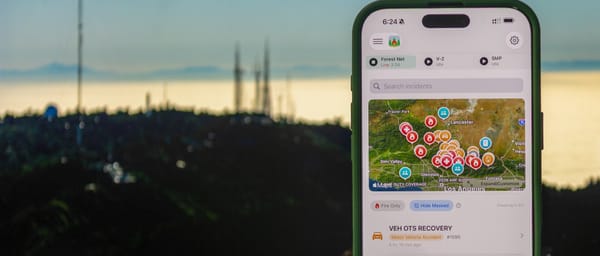
Angeles Intel is a free app focused around the Angeles National Forest that helps wildland firefighters and the public keep track of wildfire incidents with dispatch data, live audio streams, and map layers including firefighting and first-responder aircraft: tankers, helicopters, air attack, law enforcement and air medical.
We're building a small network of ADS-B receivers outside the forest so that we don't depend on, or need to pay enormous amounts of money to, an ADS-B provider.
We want to credit every feeder by name in the app (or by handle, or not at all if you'd prefer). But aircraft data arrives without a name attached, so we'll only know who you are if you get in touch. So please do!
Two ways to help: choose the one that works for you
1. You already feed ADS-B: add us as one more destination
If you run a receiver anywhere around the San Gabriels, you're probably already sending data to one or more aggregators. Adding us is the same thing again: a one-time change that takes a couple of minutes and costs you nothing. Your existing feeds keep working exactly as they do now.
The destination is:
adsb-in.landmark717.com, port 30004, Beast (beast_reduce_plus_out)Step-by-step instructions for readsb, ultrafeeder, adsb.im, PiAware and older dump1090 setups are in Setup, system by system at the bottom of this page.
Once it's running, email mark@landmark717.com. Tell us the name or handle you'd like credited, and roughly where your antenna is, so we understand the coverage you're adding.
2. You don't have a receiver, but you have a view of the mountains
We can provide a small, ready-to-go receiver: a Raspberry Pi with an ADS-B stick and an antenna. You mount the antenna as high as you can with a clear view toward the forest, plug in power and network, and that's it. It only sends aircraft data out. It never touches the rest of your home network, and you can unplug it any time.
Where we need you most
The San Gabriels are a wall. A receiver on one side hears aircraft over its own face of the mountains, but not much on the far side, so the network has to ring the forest. Homes with a clear, low view toward the mountains (no nearby ridge in the way) in these areas help the most:
- Antelope Valley: Palmdale, Lancaster, Littlerock, Pearblossom
- Victor Valley: Phelan, Piñon Hills, Hesperia
- West end: Acton, Agua Dulce, Santa Clarita
- San Gabriel Valley foothills: Azusa, Glendora, San Dimas, Monrovia, Arcadia
Elsewhere around Los Angeles still helps. These areas just fill the biggest gaps.
What we do with your data
- We use the aircraft messages your receiver hears, plus its location, to show aircraft in Angeles Intel and to map our coverage. ADS-B is public broadcast data, and we don't and will not sell it.
- We keep your rough location to understand coverage, and never publish it precisely: at most a general area, like "Palmdale".
- You're credited in the app by your name or handle, or not at all if you'd rather stay anonymous. We can only credit you if you tell us who you are.
- You can stop at any time, for any reason. Remove our destination or unplug the box, and tell us if you'd like your credit removed too.
Get in touch
Interested, have questions, or already set up? Email mark@landmark717.com and tell us:
- The name or handle you'd like credited in the app (or "anonymous")
- Roughly where your antenna is (the town or neighborhood is plenty)
- What software you're running, if you already feed
Data arrives with no name attached, so getting in touch is the only way we can say thank you properly. Thanks for helping keep eyes on the sky over the Angeles.
Setup, system by system
Every option below adds Angeles Intel as one more destination. Your existing feeds and settings stay exactly as they are. All of them only send data out, so you don't need to open any ports on your router.
readsb (wiedehopf's install script)
- Open the config:
sudo nano /etc/default/readsb - Find the line starting with
NET_OPTIONS="and add this right after the opening quote, followed by a space:--net-connector adsb-in.landmark717.com,30004,beast_reduce_plus_out - Save, then restart:
sudo systemctl restart readsb - Check it connected:
journalctl -u readsb -n 30 | grep -i landmark717
You should seeConnection established: adsb-in.landmark717.com … port 30004.
ultrafeeder (Docker, docker-compose)
- In your
docker-compose.yml(or.env), findULTRAFEEDER_CONFIG. - Add this entry, separated from the existing ones by a semicolon
;:adsb,adsb-in.landmark717.com,30004,beast_reduce_plus_out - Apply it:
docker compose up -d - Check:
docker logs ultrafeeder 2>&1 | grep -i landmark717
On an older setup that uses READSB_NET_CONNECTOR instead, add adsb-in.landmark717.com,30004,beast_reduce_plus_out there (also ;-separated).
adsb.im image
- Open your feeder's web interface and go to the Expert page.
- In the field for additional Ultrafeeder arguments, add:
adsb,adsb-in.landmark717.com,30004,beast_reduce_plus_out - Apply the change and let the feeder restart.
adsb.im's screens change from version to version. If yours looks different, get in touch and we'll walk you through it.
PiAware, FlightAware's dump1090-fa, dump1090-mutability, and other older setups
These programs make their data available on your Pi (port 30005) but can't send it anywhere by themselves. A tiny forwarding service fixes that without touching your decoder or your FlightAware feed:
- Check your Pi provides the data:
ss -ltn | grep 30005should show a line. If not, get in touch. - Install the forwarder:
sudo apt install -y socat - Start it, and have it start on boot:
sudo systemctl daemon-reload && sudo systemctl enable --now angeles-intel-feed - Check it's running:
systemctl status angeles-intel-feed
Create the service with sudo nano /etc/systemd/system/angeles-intel-feed.service and paste:
[Unit]
Description=Forward ADS-B (Beast) to Angeles Intel
After=network-online.target
Wants=network-online.target

[Service]
ExecStart=/usr/bin/socat -u TCP:127.0.0.1:30005 TCP:adsb-in.landmark717.com:30004
Restart=always
RestartSec=15

[Install]
WantedBy=multi-user.target
To remove it later: sudo systemctl disable --now angeles-intel-feed, then delete the file.
Anything else
Flightradar24 or RadarBox-only images, Windows setups, or something homegrown: if it can send Beast data to a host and port, it can feed us. Get in touch and we'll work out the right setup with you.