Docs: Angeles Intel (Android)
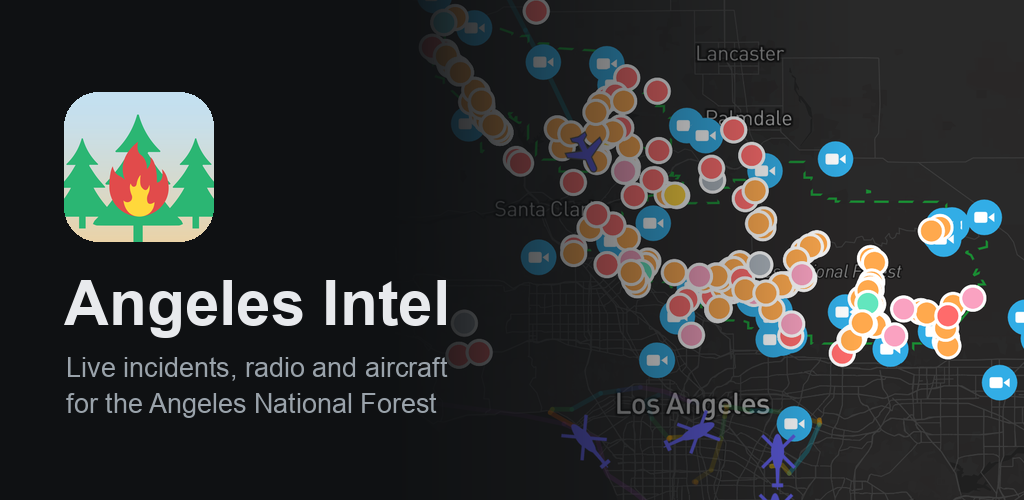
You are welcome to help us test and vet the new Android version of Angeles Intel.!
Google Play Test Group
Angeles Intel for Android is in beta ahead of its Google Play launch. Join the beta to install it from Google Play now, with automatic updates and no
reinstalling when it goes public.
- Join our test group with the Google account your Android uses: https://groups.google.com/g/angeles-intel-android-testers
- Open https://play.google.com/apps/testing/com.landmark717.angelesintel on your Android device, signed in with that same Google account, and tap Become a
tester - Install Angeles Intel from Google Play: https://play.google.com/store/apps/details?id=com.landmark717.angelesintel
Updates arrive through Google Play. When the app launches publicly, you'll keep it, your settings and your alerts with nothing to do. You need a Google
account and the Play Store, on Android 8 or newer.
Please stay in the beta for at least two weeks. Google needs a group of testers using the app before it can be published for everyone, so every tester counts!
Direct APK Download
This route doesn't help us hit the closed testing number Google requires of us before the app can hit Google Play, but you are certainly welcome to side-load this signed APK.
- Tap the link below on your Android device. If your browser asks whether to keep the file, choose Download or Keep
- Open the file when the download finishes, from the notification or your Files or Downloads app
- If Android says your browser isn't allowed to install apps, tap Settings, turn on Allow from this source, then go back
- Tap Install. Google Play Protect may ask to scan an app it hasn't seen before. Let it scan, or tap Install anyway
- Open Angeles Intel from your home screen or app drawer
Once it's installed, you can turn Allow from this source back off for your browser.
This copy doesn't update itself: to get a newer version, download it again from this page. If you later switch to Google Play, uninstall this copy first, which clears your settings such as your channels and alerts.
App Overview and Features
Google Play app description:
Free, ad-free, and subscription-free! Suitable for wildland staff and civilians alike
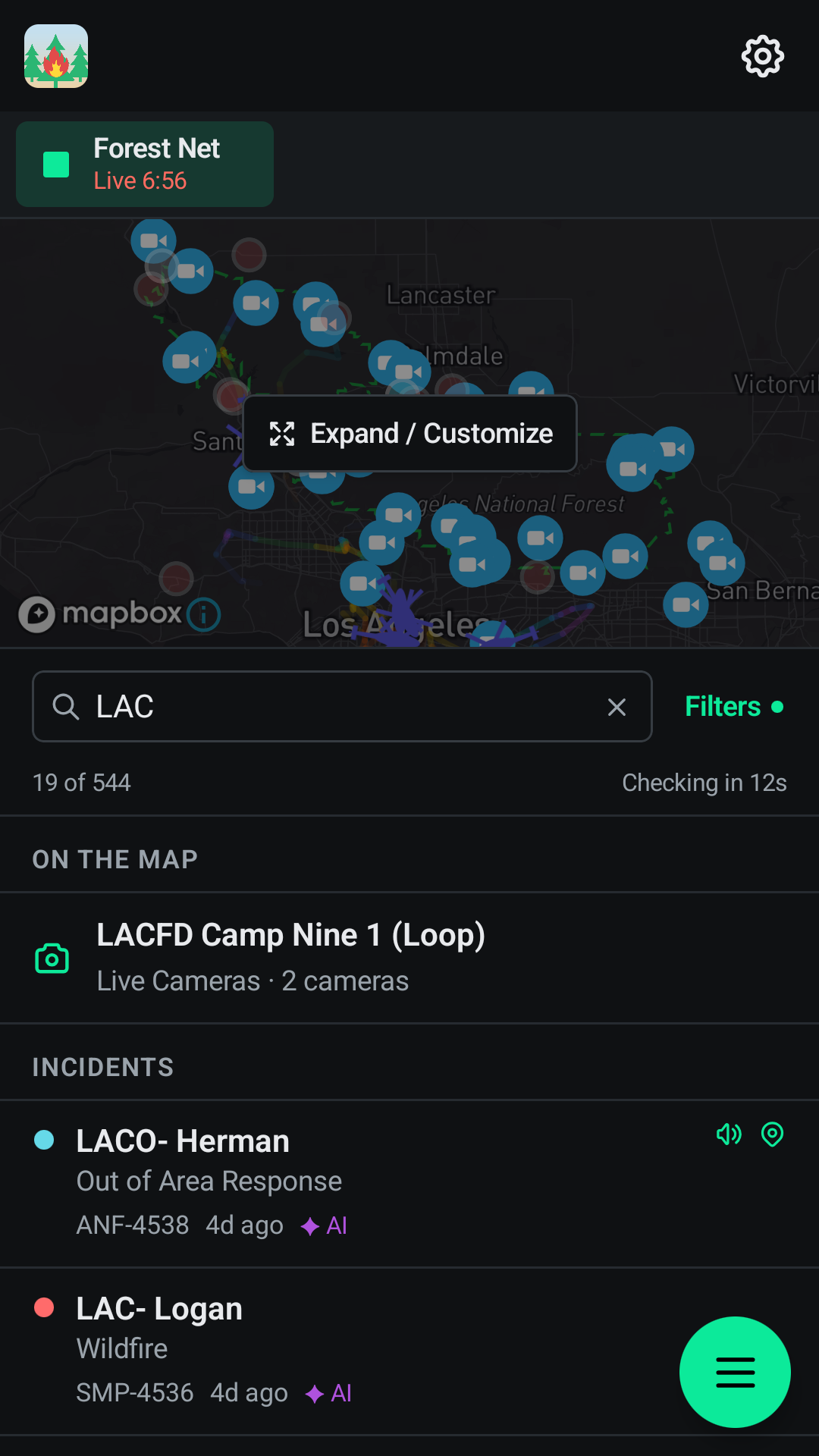
Live incident feed from Angeles National Forest (ANF) dispatch and CHP (California Highway Patrol, bound to the forest), updated every 20 seconds. Stream Forest Net and LA County Fire command channels (V-1 through V-5) live, several at once, in the background and from your lock screen, and turn any channel on or off on a whim. Auto-Manage can bring a channel in while it's busy and drop it once it goes quiet
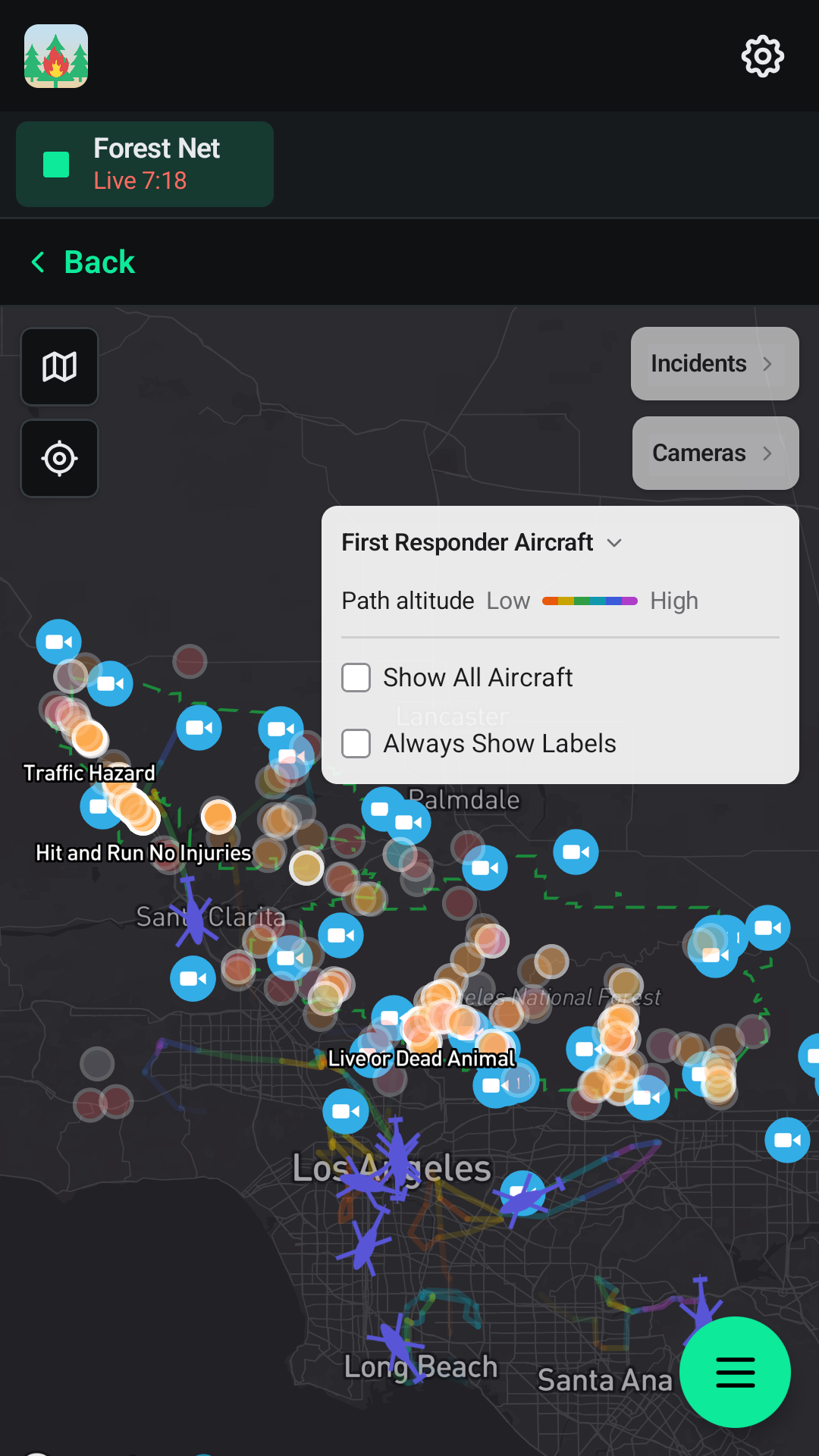
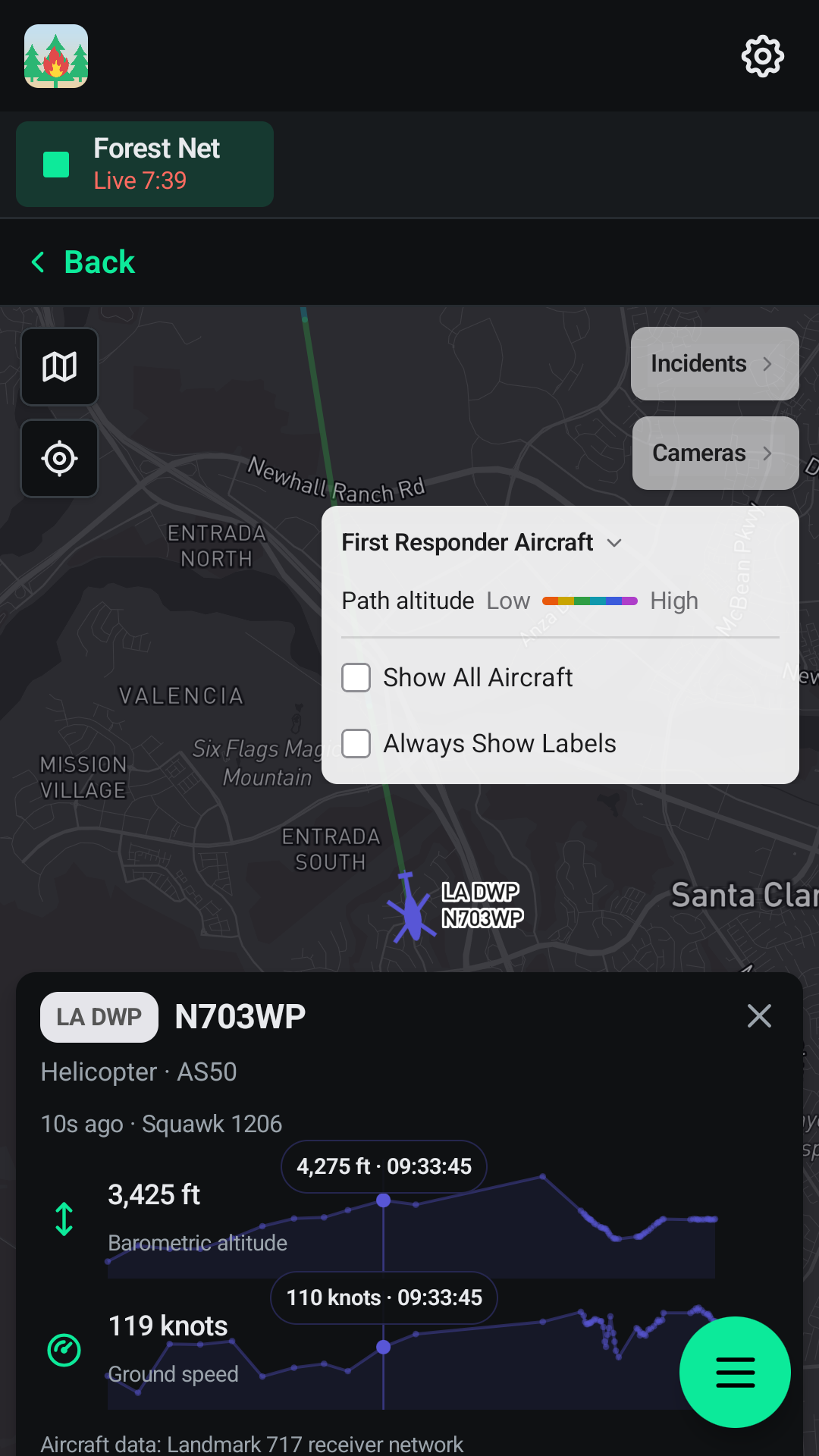
Our First Responder Aircraft layer brings SoCal aircraft data from our own receiver network right to you. Tap an aircraft to follow it, see its photo where one exists, and scrub through its altitude and speed over the last hour
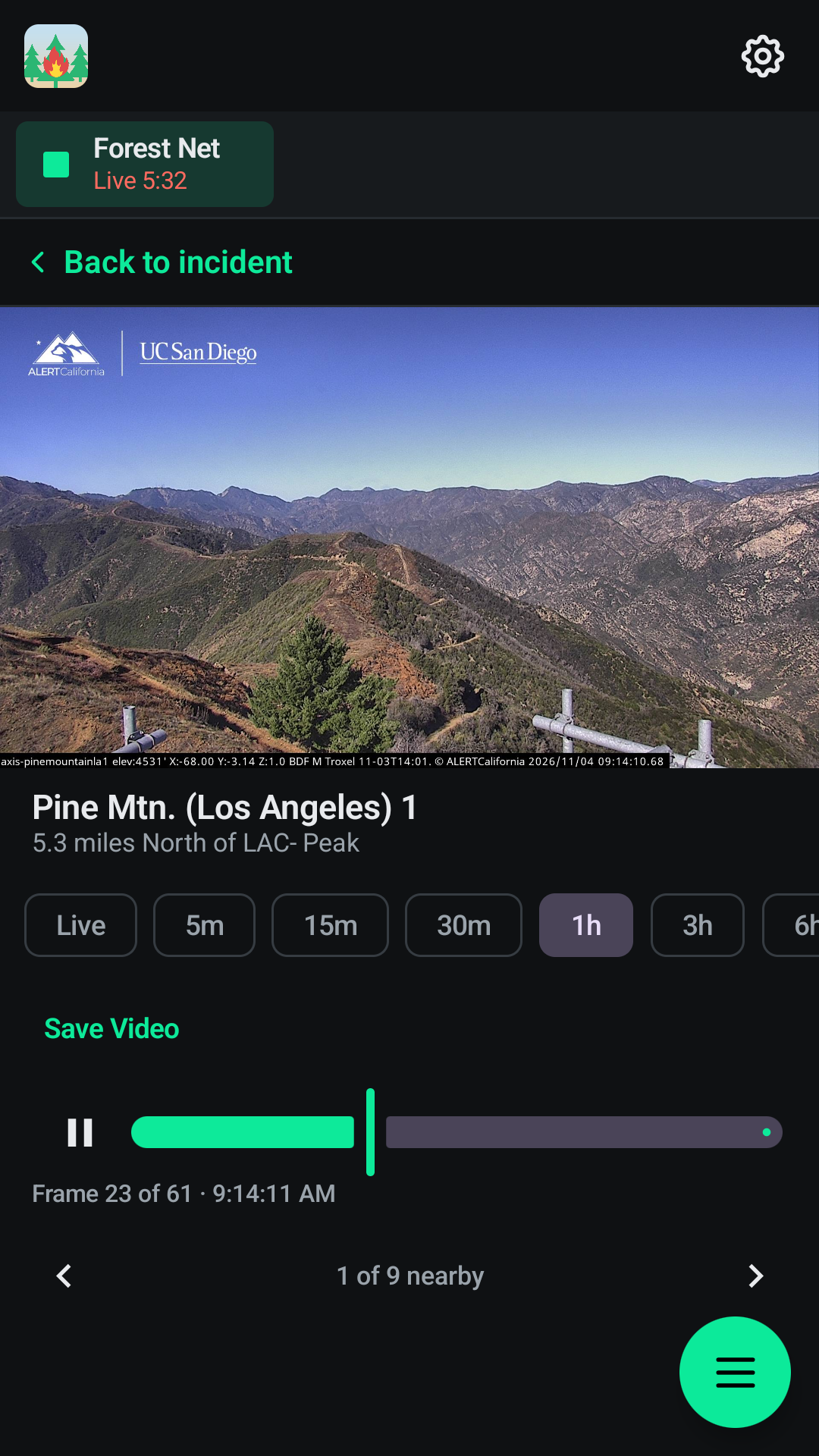
View incidents on a map alongside ALERTCalifornia wildfire cameras (live and timelapse, which you can save to your phone as a video) and live NOAA lightning strikes. Search incidents, aircraft and cameras from one box
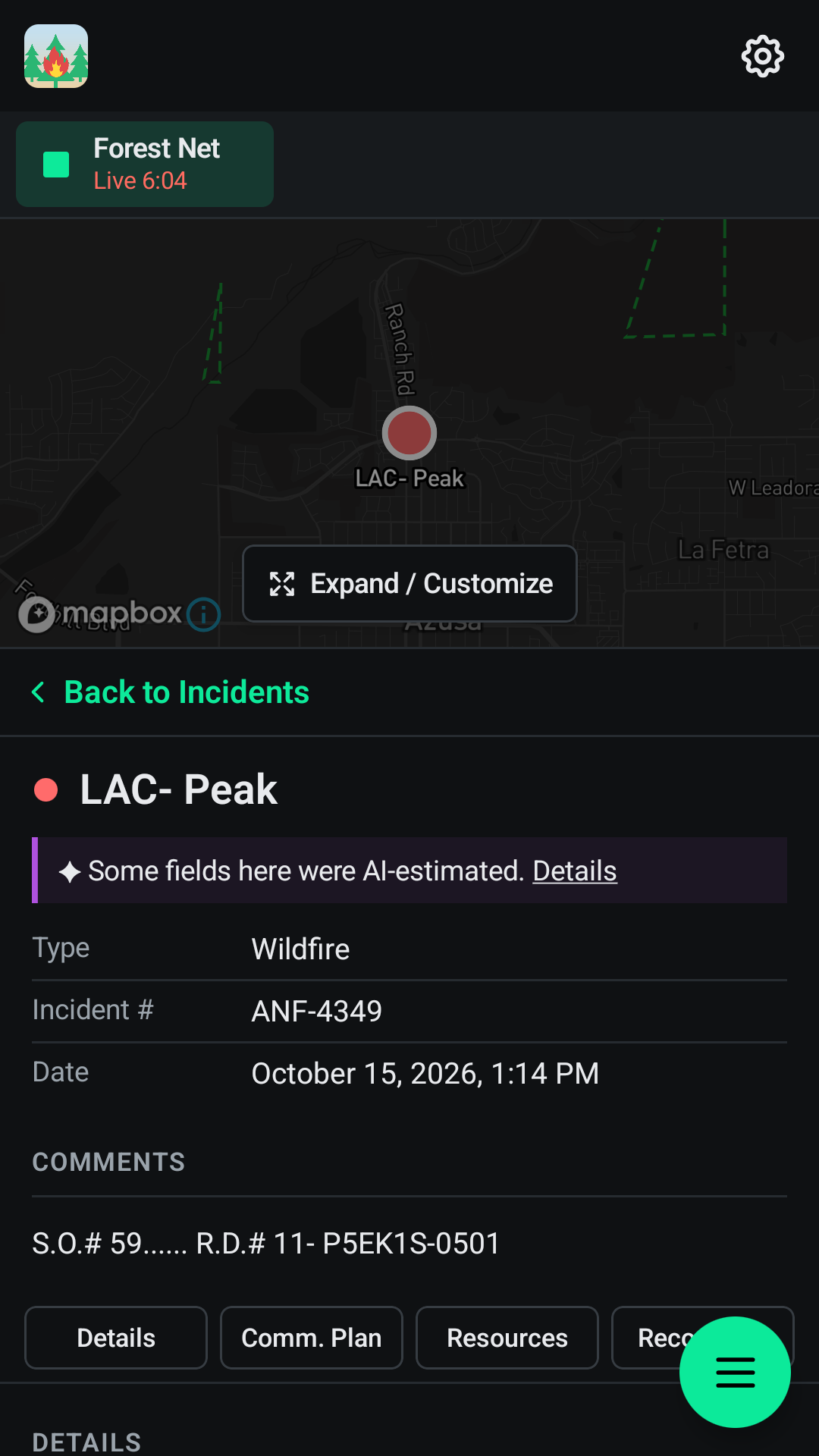
View an incident to find the radio recordings tied to it, nearby cameras, and a communications plan when one was called out over the air. AI-assisted details are always labeled as such, so you can tell what came from dispatch and what came from a machine. Read Fire Weather Forecasts from the National Weather Service. Light/dark mode, color themes, and a dark map style included
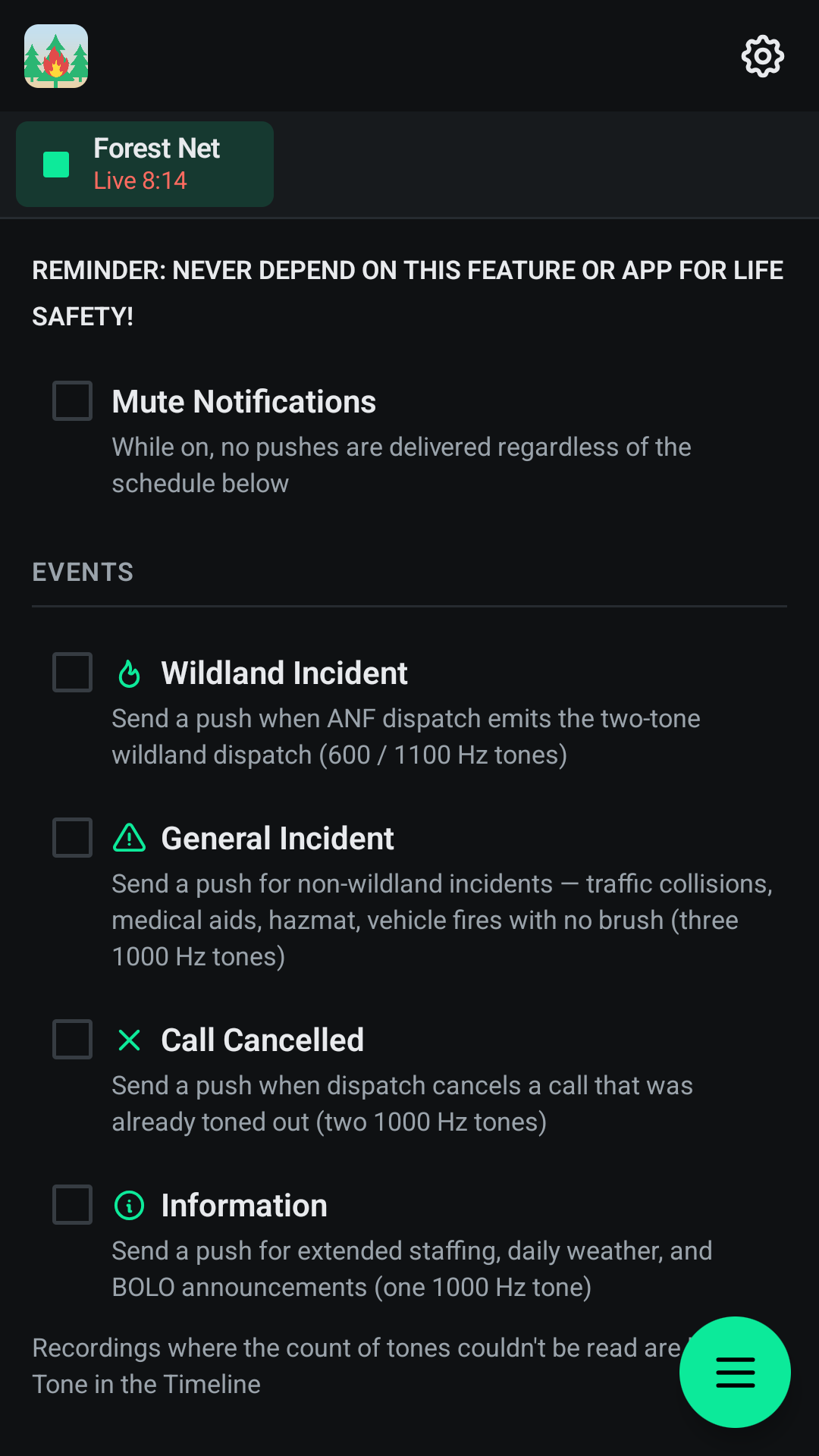
Get push notifications the moment ANF dispatch tones out, and subscribe only to the types you want — Wildland, Incident, Cancel, or Info — so you're interrupted for what matters to you and nothing else. Opt in to alerts for new lightning strikes within ~10 miles of the forest. Optional quiet hours mute notifications on your days off
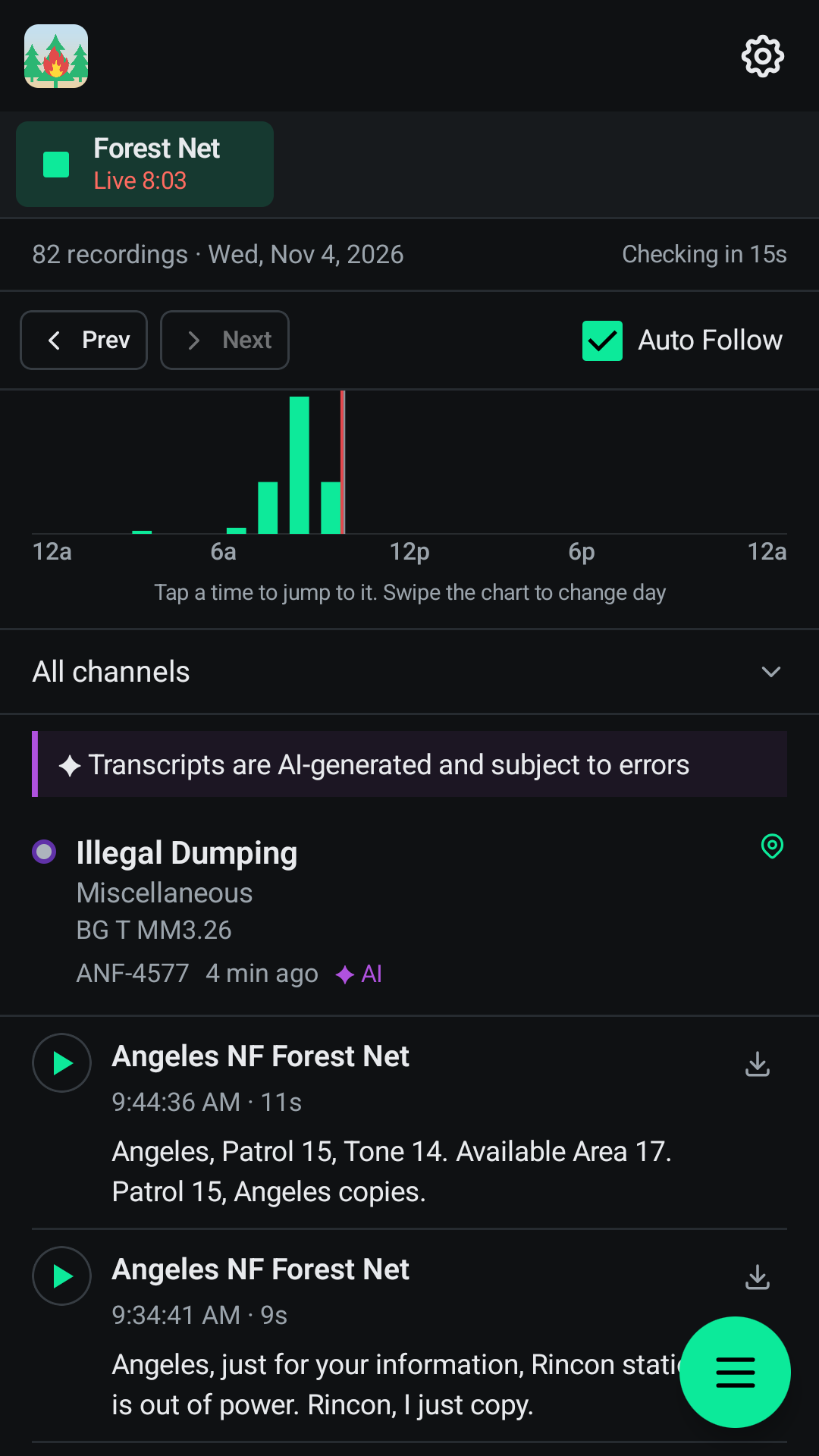
Browse a continuously growing archive of past radio recordings, each labeled Wildland, Incident, Cancel, or Info so you know what you're about to hear. Most Forest Net recordings include a speech-to-text transcript you can read before you listen. Filter by channel, and jump back to any moment to catch transmissions you missed
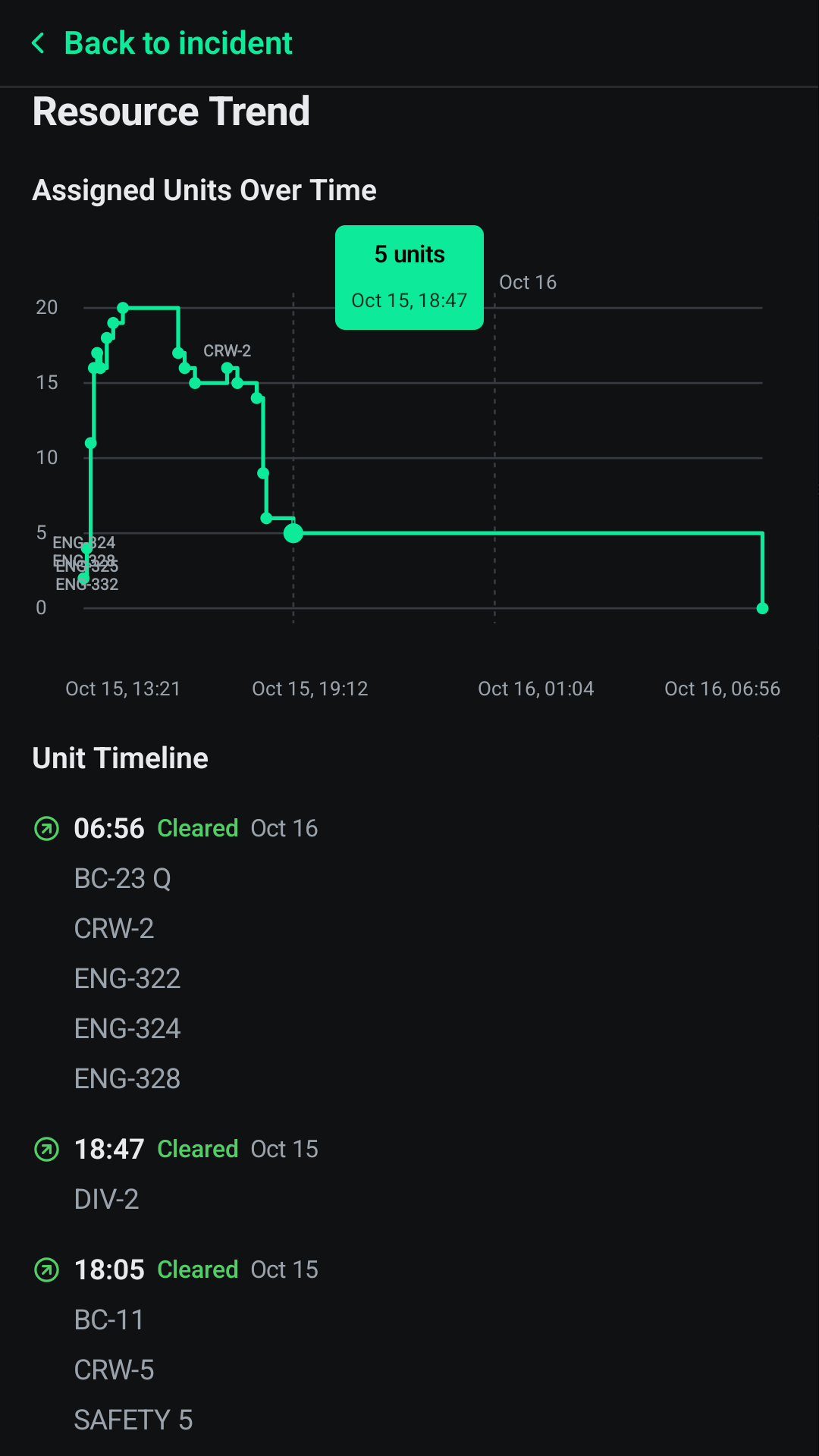
Agency personnel can verify with a (.gov) work email for Admin Net (Law Talk) access and the Resources view: where units are, which are committed, and drive times to an incident
Screenshots/Preview